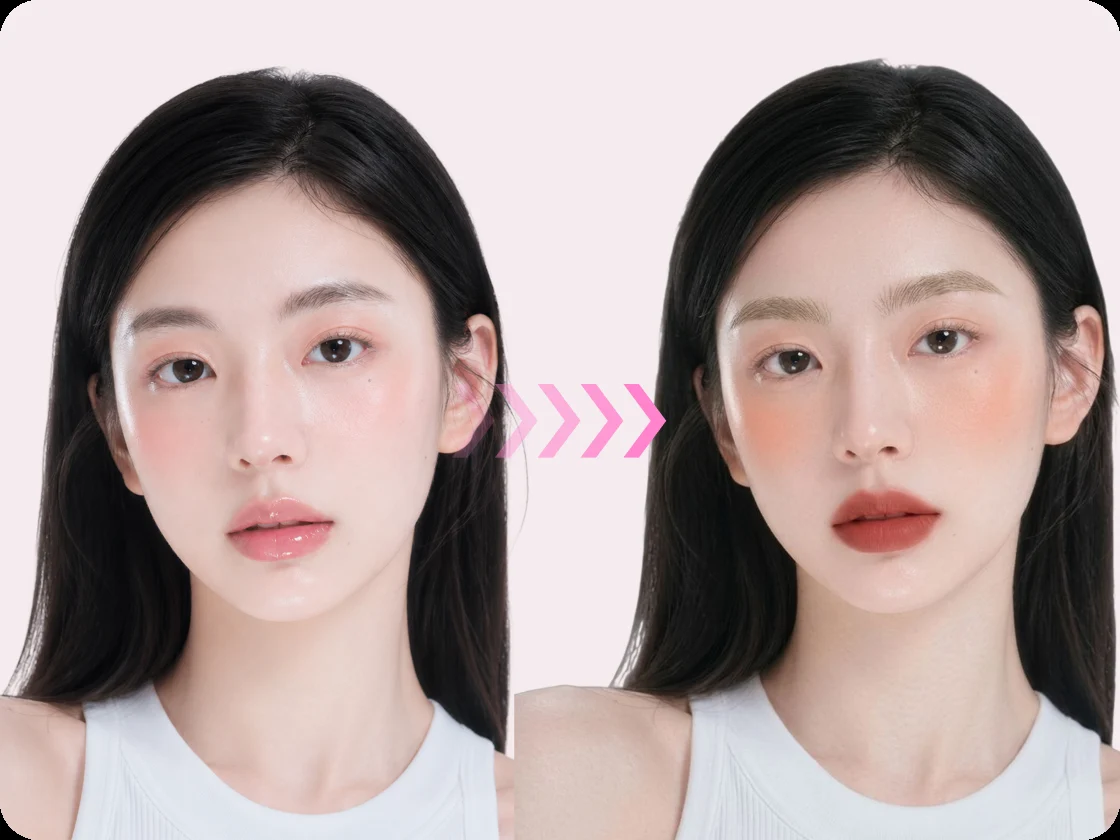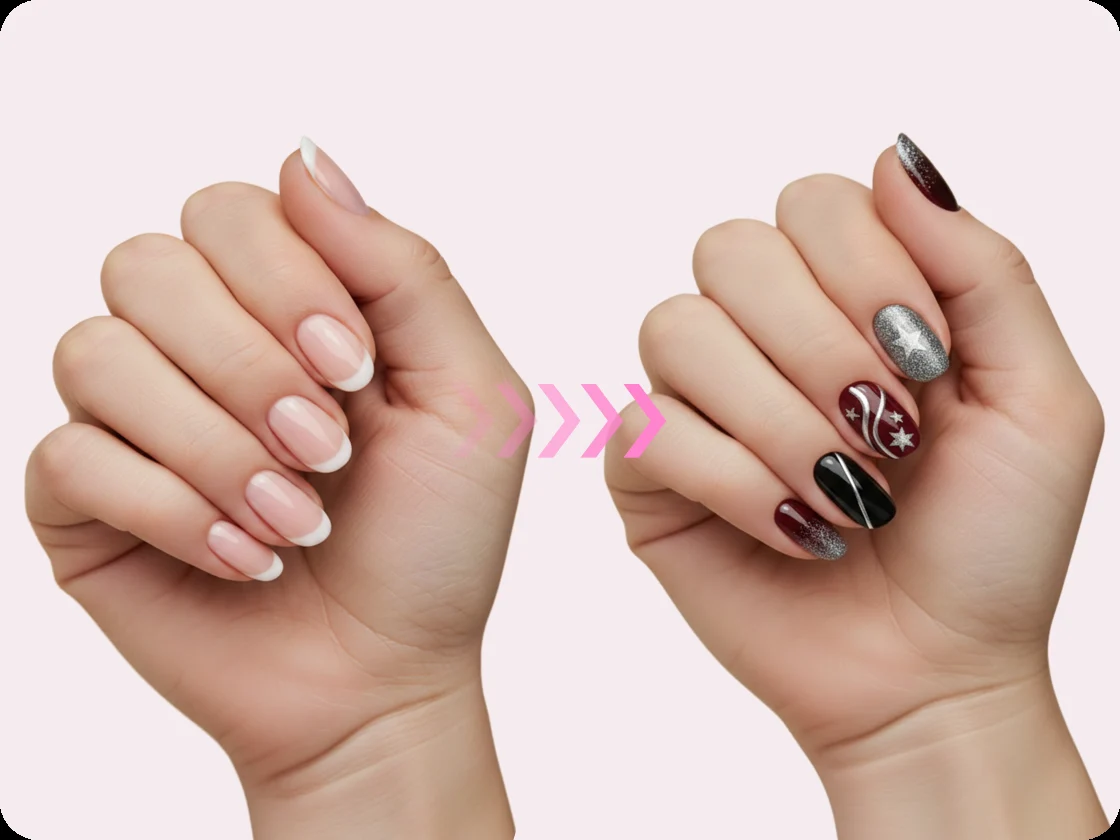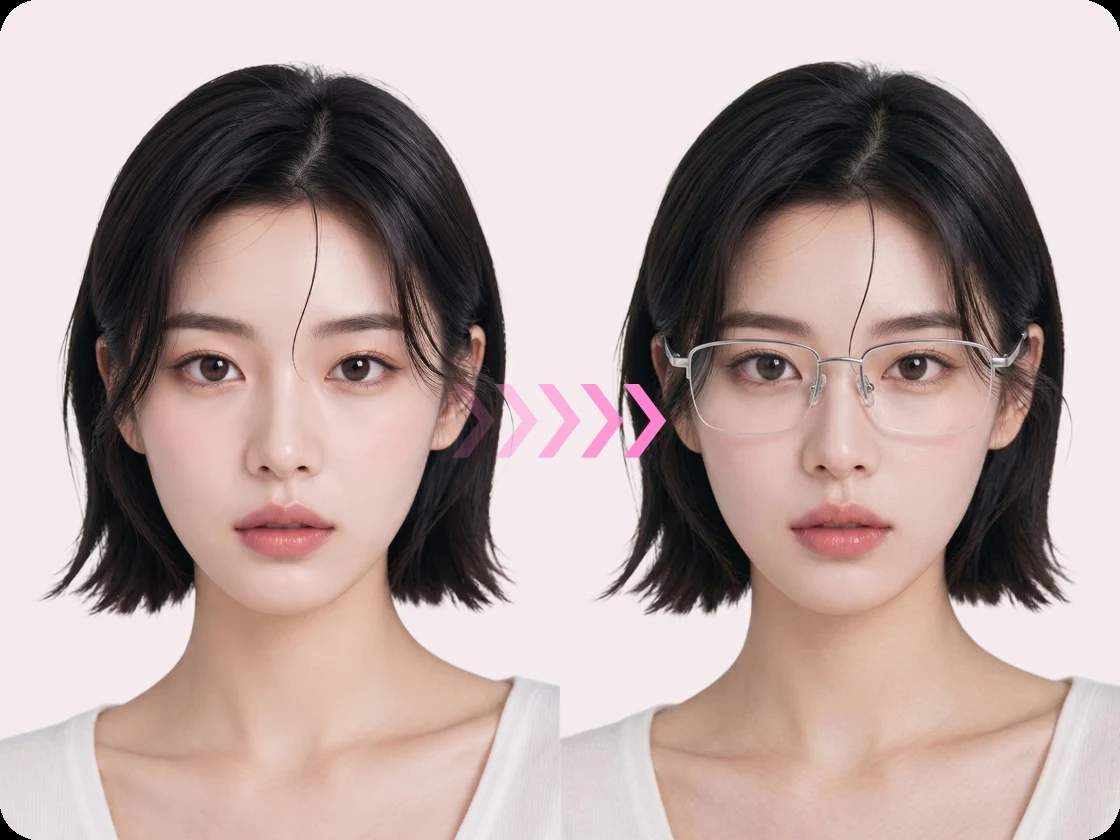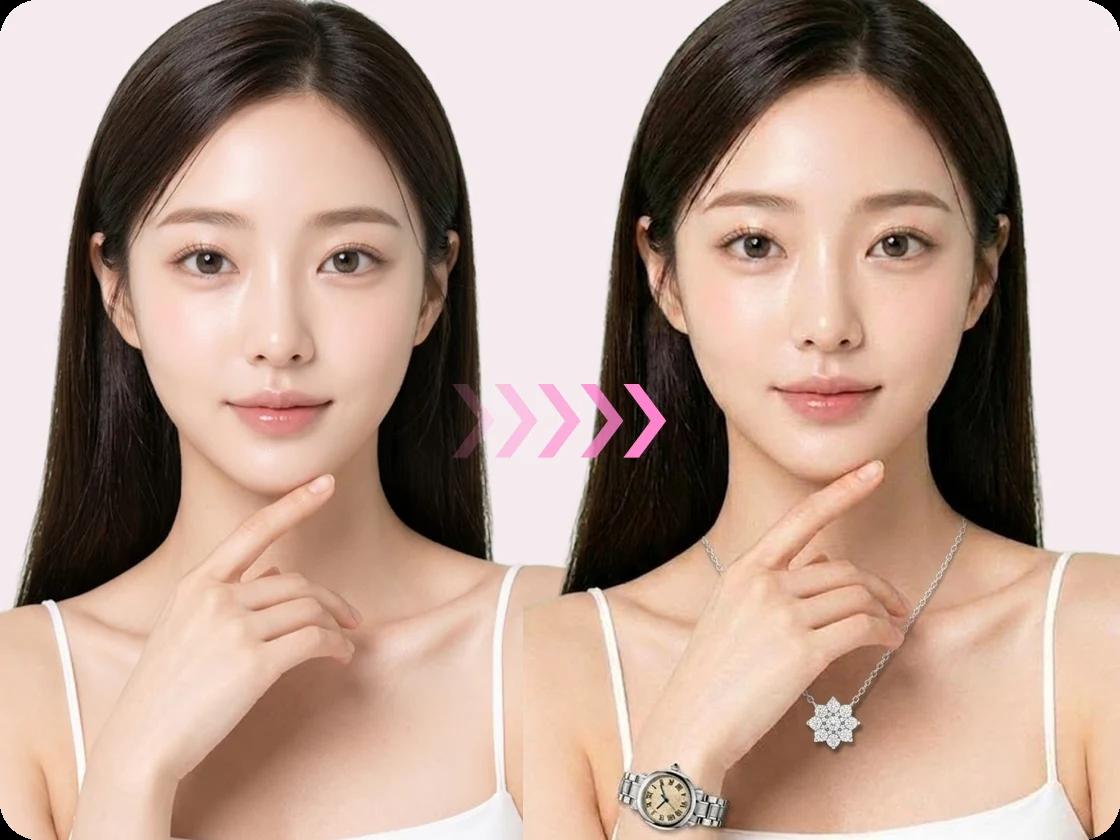


Circle Shape
BOGOFIT AI

Your next look.
Your next product shot.

Try a new style with AI fashion and beauty fitting. Turn product photos into model shots and detail imagery. One place for the way you look and the products you sell.

Download on the App StoreGet it on Google Play
01 / AI FASHION & BEAUTY FITTING

One photo. More possibilities.

Explore six ways to try a different look before you shop, style or book your next appointment.
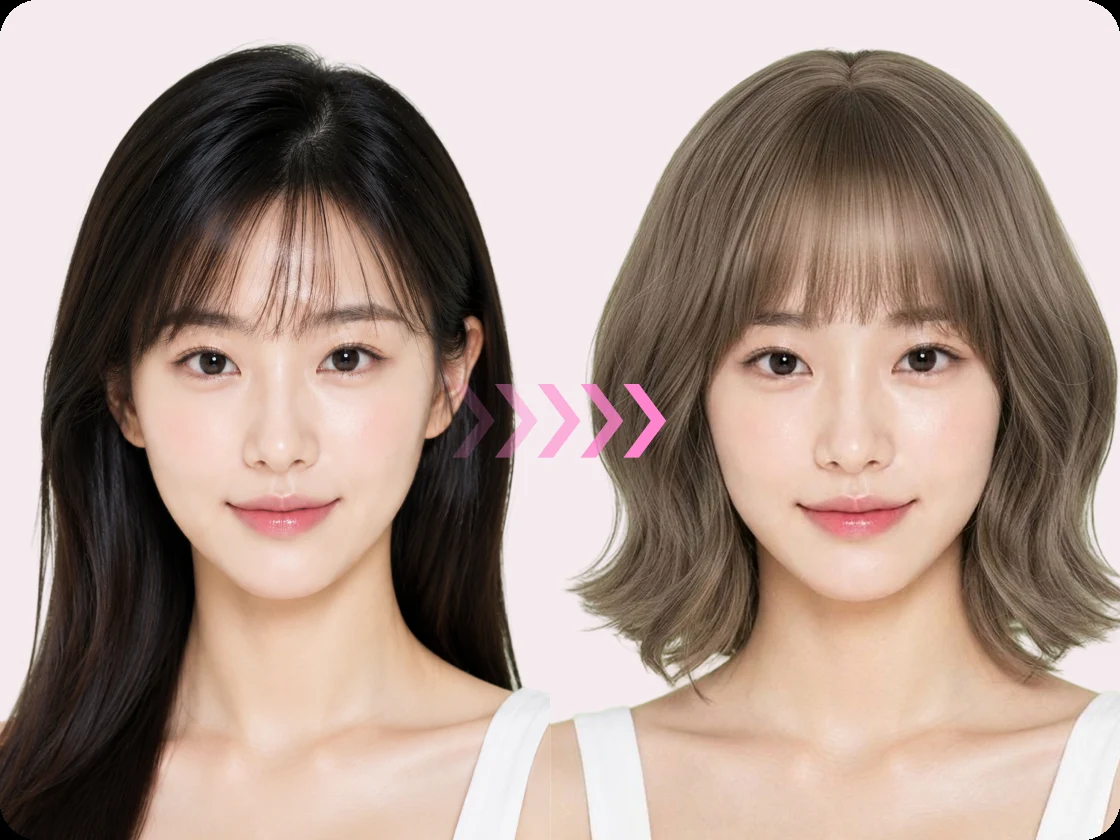
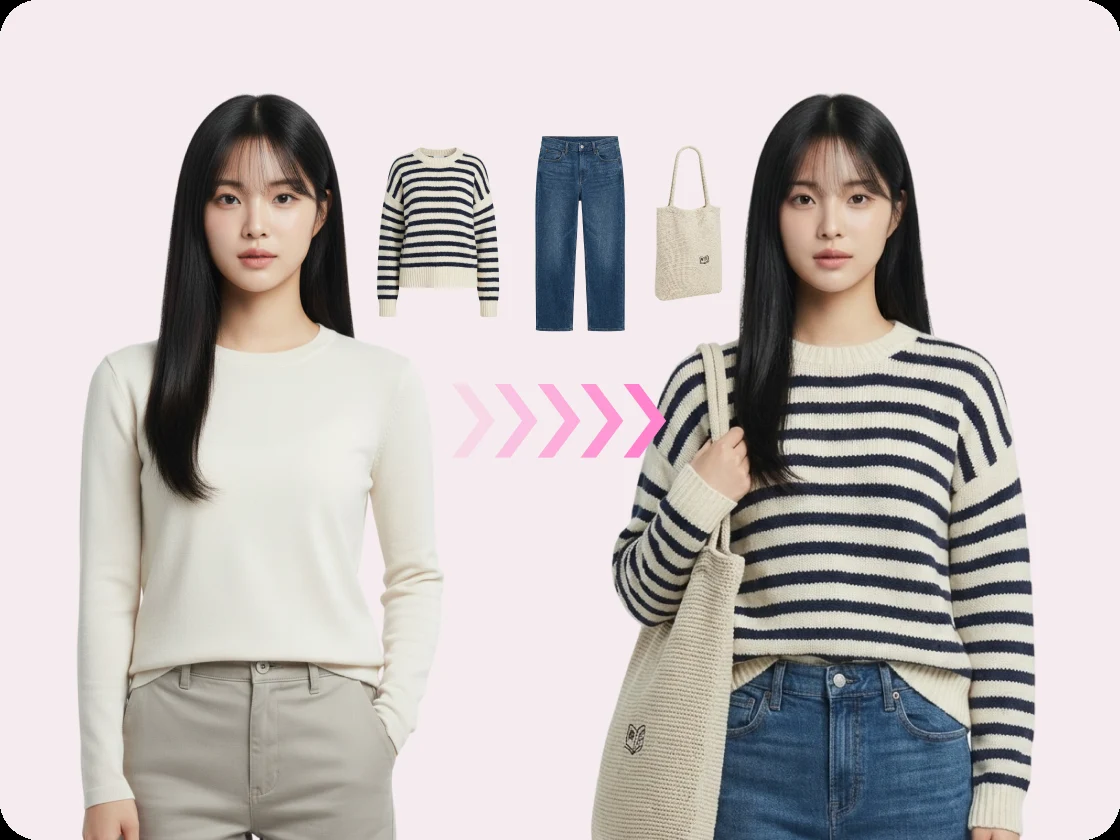
Clothing before and after a virtual outfit preview

Fashion

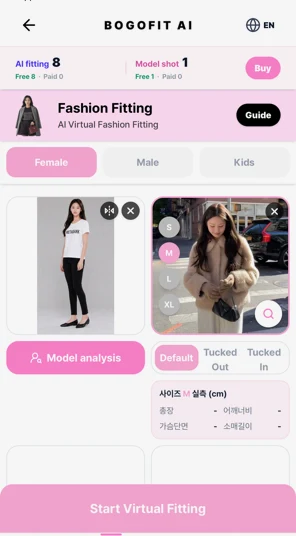
Try clothing from product photos, BOGOFIT SHOP or samples. Explore size and tucked or untucked styling options.

Explore fashion
02 / AI MODEL SHOTS & PRODUCT CONTENT

Start with a product.
Build the story around it.

For online stores, brands and creators: turn product photos into styled model shots, then build a richer set of product-detail images.

  • Show apparel, shoes, hats, eyewear, bags and more.
  • Bring model shots, product views and detail imagery together.
  • Create visual content for your store’s product pages.
Explore model-shot creation

Your first model shot is free when you sign up.
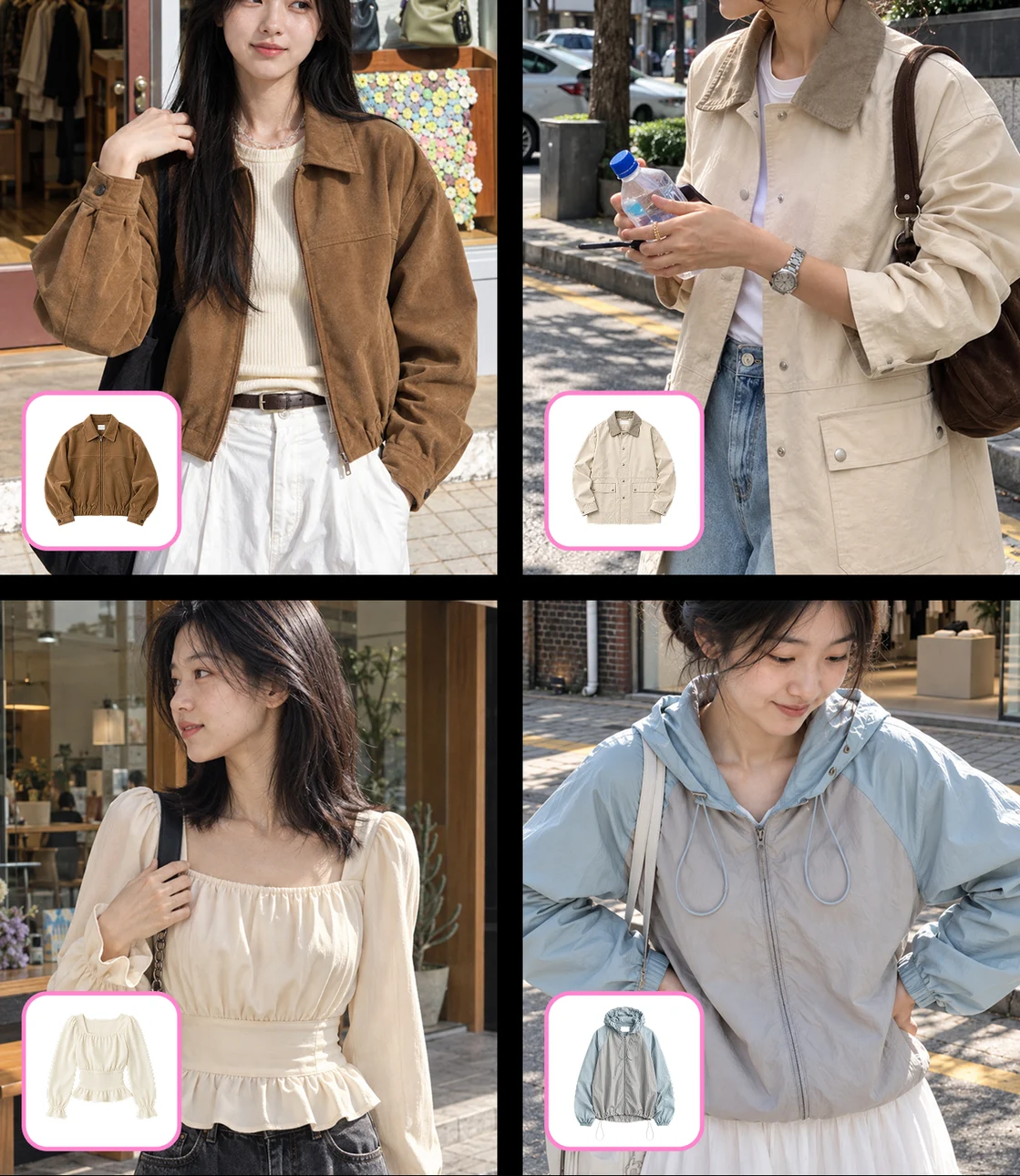
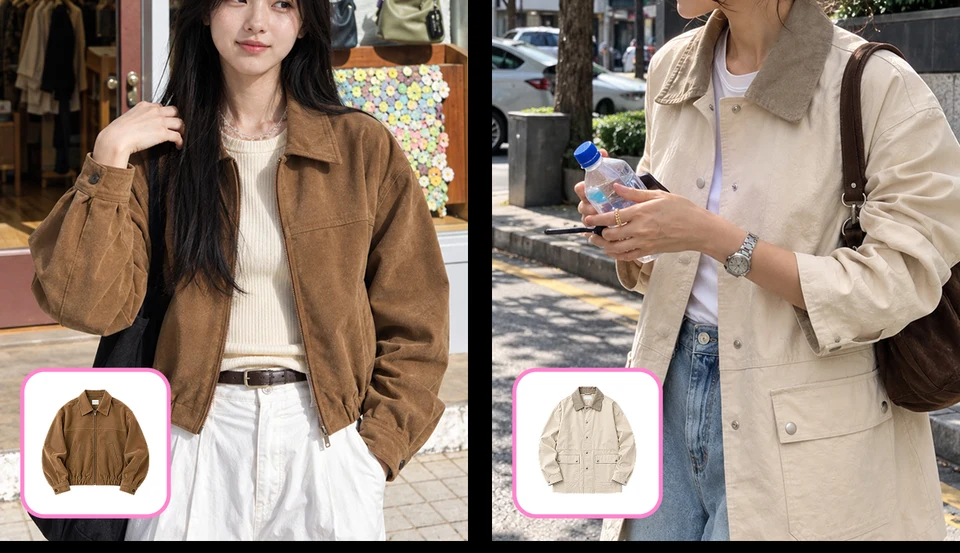
Four styled model-shot examples with their source products
Product photos → Styled model shots
BEYOND A SINGLE IMAGE

A fuller picture of your product.

Explore long-form examples with product views, model imagery and detail sections. Scroll inside each preview to see more.


Full product-detail image example 1
01 / Product-detail imagery
Full product-detail image example 2
02 / Product-detail imagery
Full product-detail image example 3
03 / Product-detail imagery
BOGOFIT fashion fitting workspace with model and product options
Choose & style
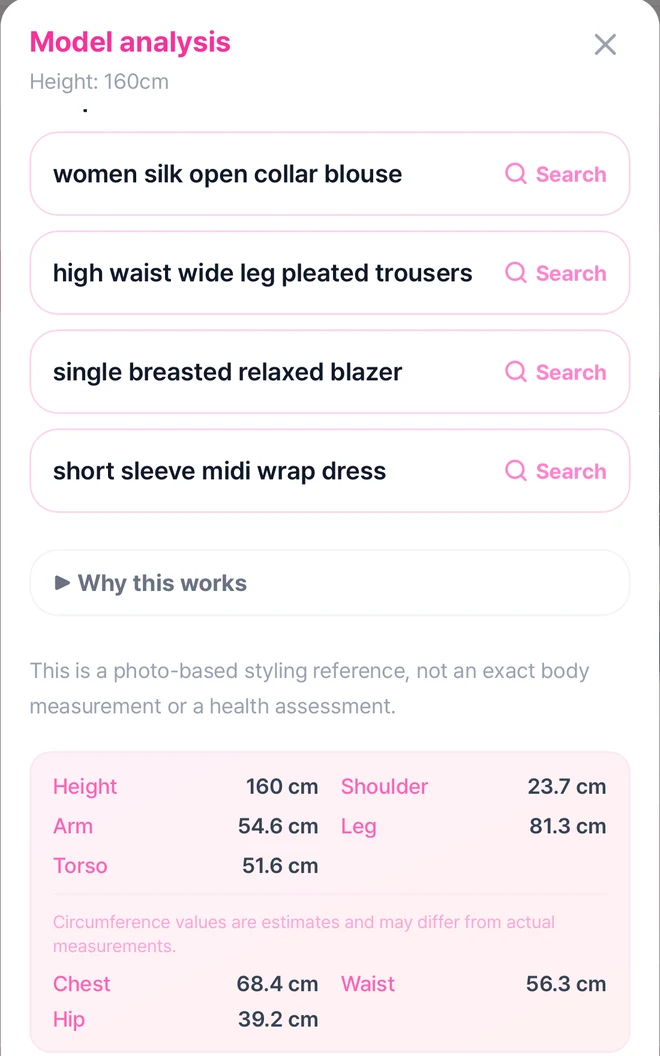
Photo-based style recommendations, product searches and estimated proportions
Photo-based styling insights
A LITTLE GUIDANCE GOES A LONG WAY

Explore what works
for your style.

Use model analysis to explore photo-based proportions and outfit suggestions, with recommendations for tops, bottoms, outerwear, dresses and accessories.

  • Get styling suggestions by category.
  • Search for recommended product styles.
  • Compare available size and styling options in fashion fitting.

Model analysis is a photo-based styling reference. Body measurements are estimates and may differ from actual measurements.

TWO WAYS TO GET STARTED

Made for exploring.
Made for creating.

FOR YOUR STYLE

A new look, in a few steps.

  1. 01

    Choose your photo

    Start with a person, face or hand photo for the fitting you want to try.

  2. 02

    Pick what to try

    Choose a product or style, then adjust the options available for that fitting.

  3. 03

    Preview & compare

    Generate a preview to explore the look before your next shopping or styling decision.

Try BOGOFIT AI
FOR YOUR PRODUCTS

From product photo to content.

  1. 01

    Upload your product

    Start with photos of the clothing or fashion item you want to showcase.

  2. 02

    Create model shots

    Show the item worn and styled with AI model-shot creation.

  3. 03

    Build your image set

    Create product-detail imagery to show the item, its styling and its details together.

Create model shots
STYLE INSPIRATION

Find a little inspiration.

A few looks to spark your next idea.

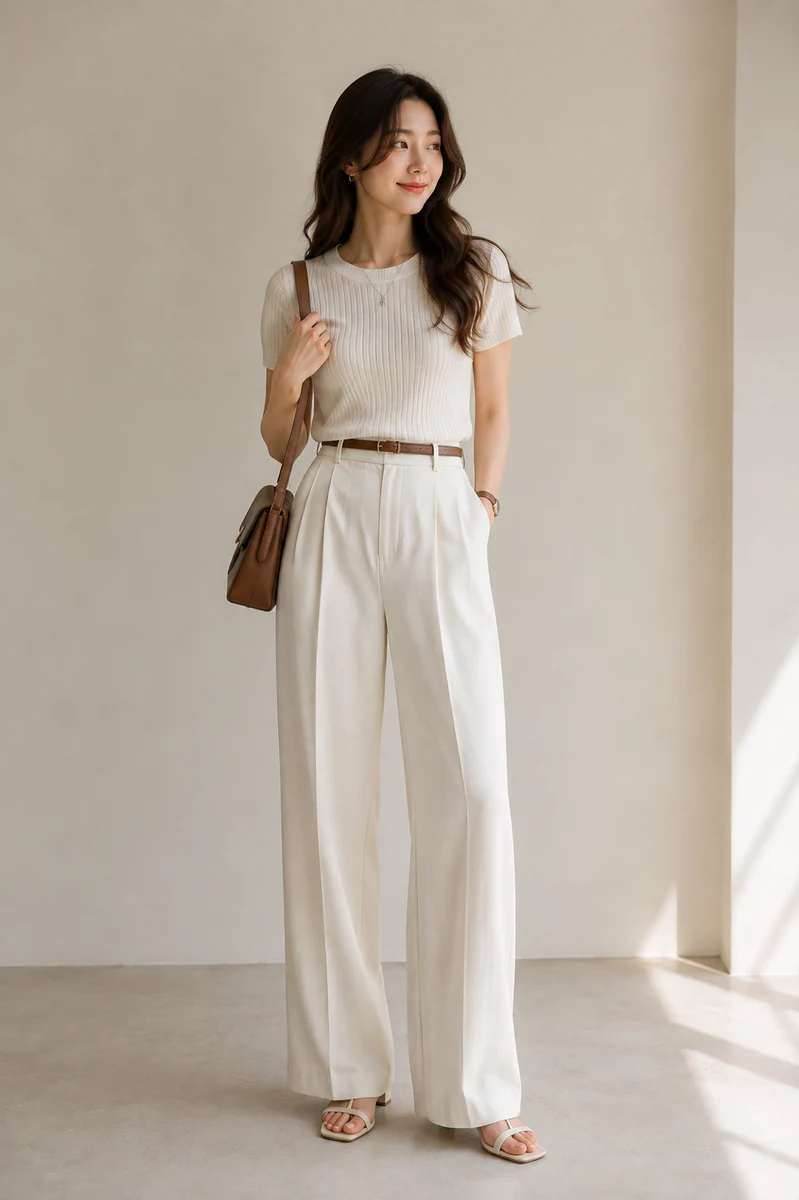
Outfit inspiration in neutral tones
Jiyoon
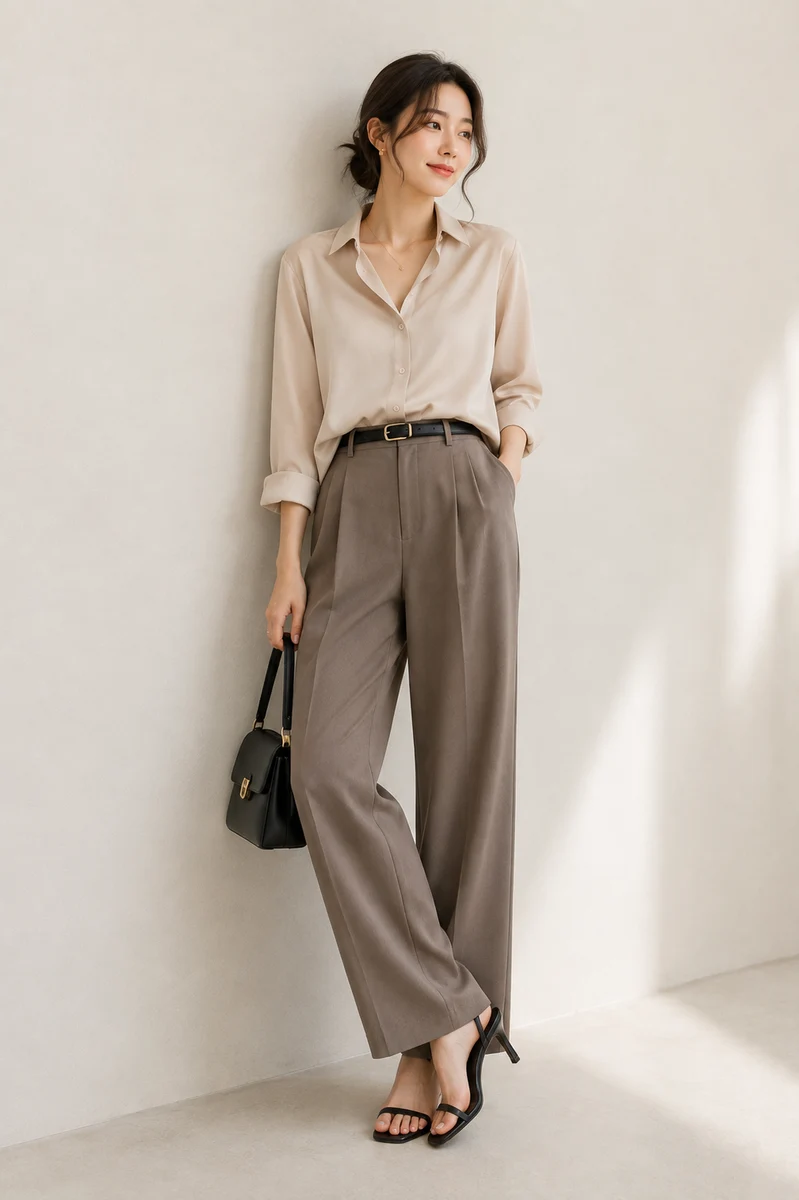
Outfit inspiration in neutral tones
Minseo
Outfit inspiration in neutral tones
Soyeon
Outfit inspiration in neutral tones
Haeun
A FEW THINGS TO KNOW

Questions, answered.

Do I need to download an app?

You can start on the BOGOFIT AI website in your browser. The service is also available on iPhone and Android.

What is included when I sign up?

10 free AI fittings + 1 free model shot when you sign up. Check the BOGOFIT AI website for current paid credit options.

Are the body measurements exact?

No. Model analysis provides photo-based styling guidance and estimated measurements. Use the results as a reference alongside the product’s size information.

Circle Shape
cta section icon

Your style. Your products.
Your next possibility.

Download on the App Store Get it on Google Play